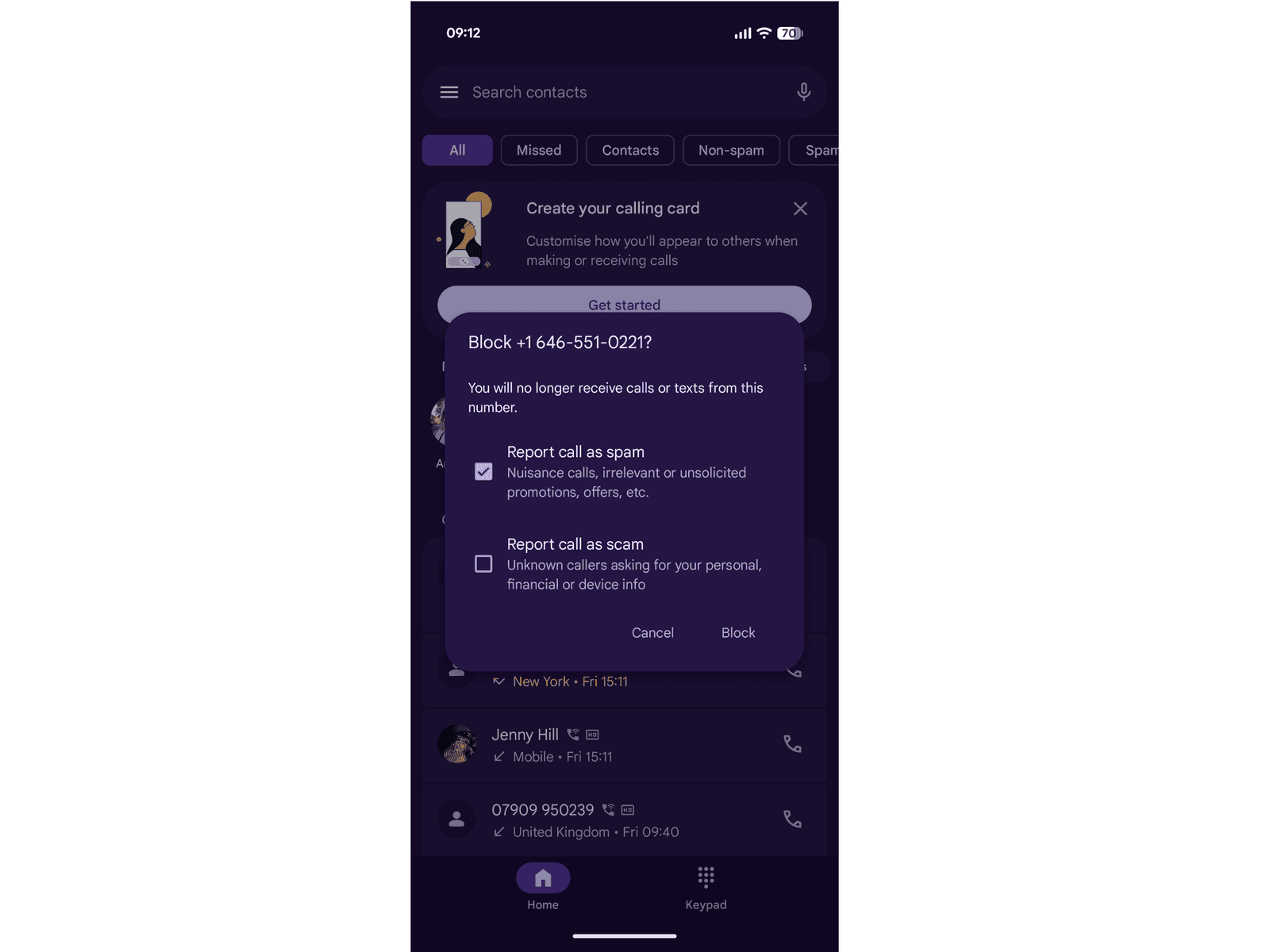
If a message looks like spam, you can swipe left without opening it, tap the trash can icon, and then Delete and Report Spam. If you open a message that turns out to be spam, always tap the Report Spam link under the message and then Delete and Report Spam.
How to Block Calls and Texts on an Android Phone
It’s straightforward to block numbers on an Android phone, too, but the method differs among manufacturers.
- On a stock Android device, like a Google Pixel phone, you’ll open the Phone app and tap on the Home tab. Long-press the number you want to block, and then tap Block or Report. You can choose whether to uncheck the box marked Report call as spam or to check the box next to Report call as scam. Either way, you’ll tap Block after selecting.
- On a Samsung phone, open the Phone app and go to Recents, then tap the number you want to block, then select the Menu icon and tap Block.
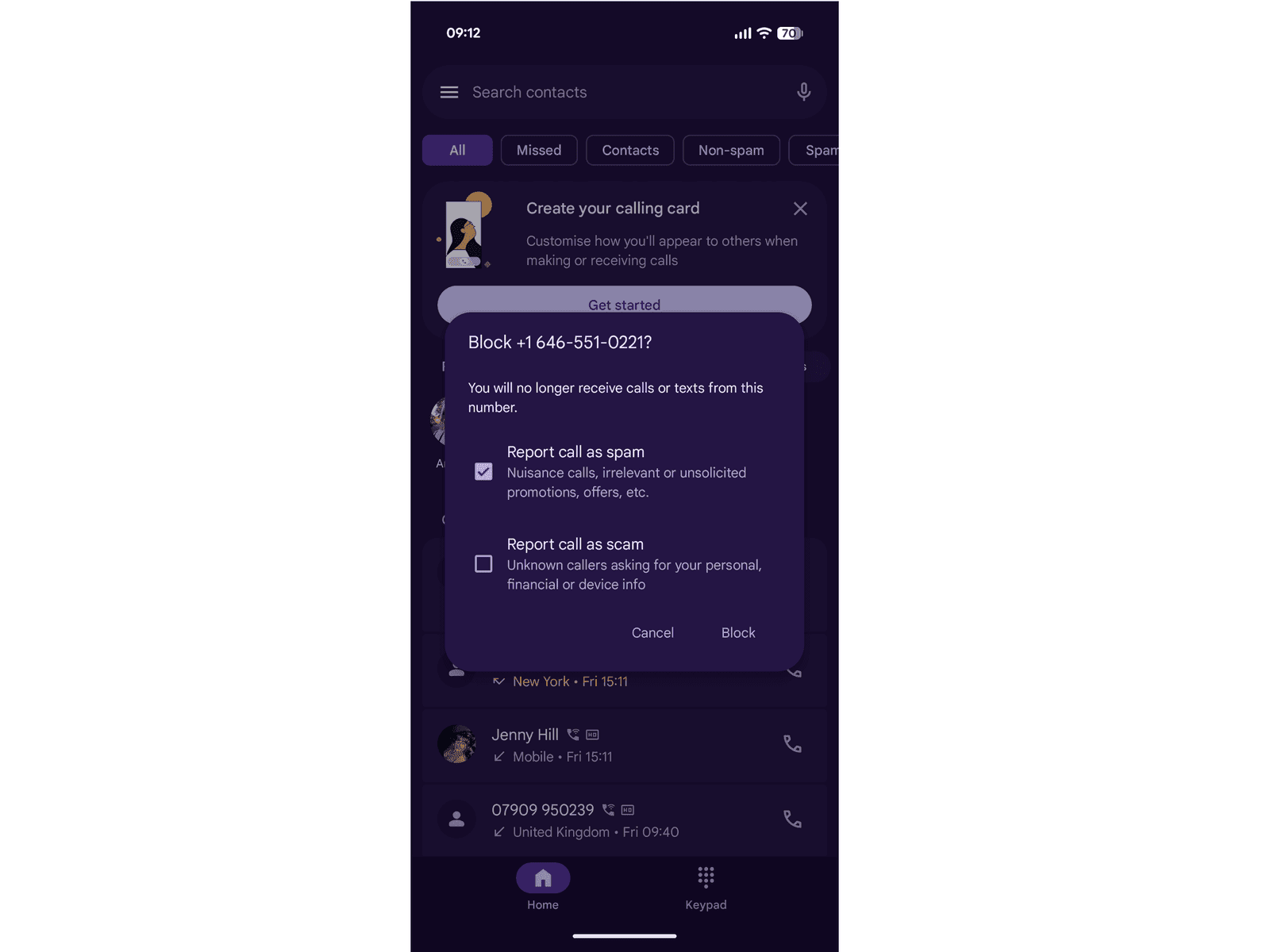
Photograph: Simon Hill
How to Filter Unknown Callers and Senders on an Android Phone
If you are getting a lot of unwanted calls and messages, and the numbers keep changing, you might want to filter out any unknown numbers. Here’s how to do that on an Android:
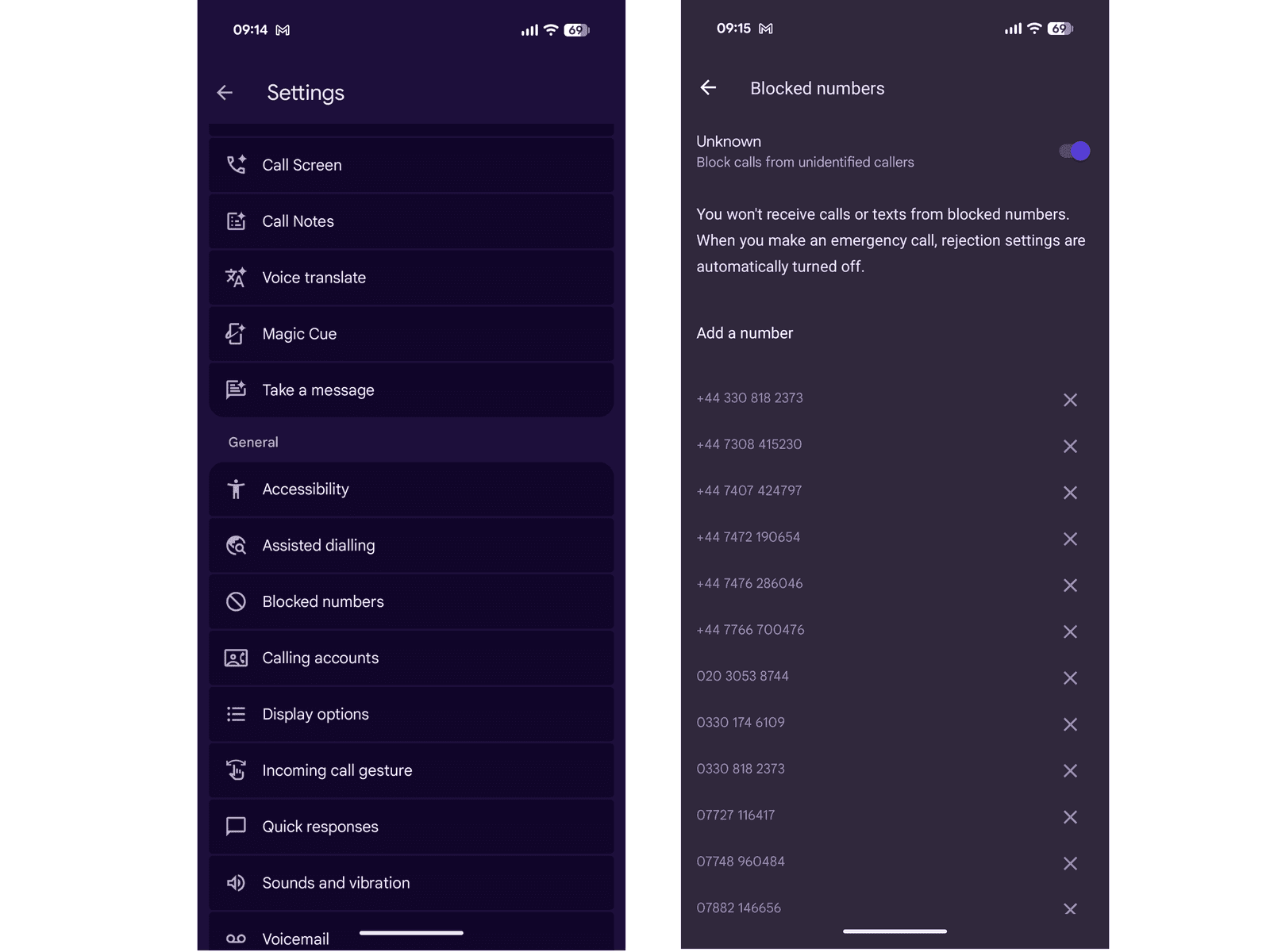
Photograph: Simon Hill